Download typing test safely
By Stroke Quill editorial team Current release, published August 15, 2023
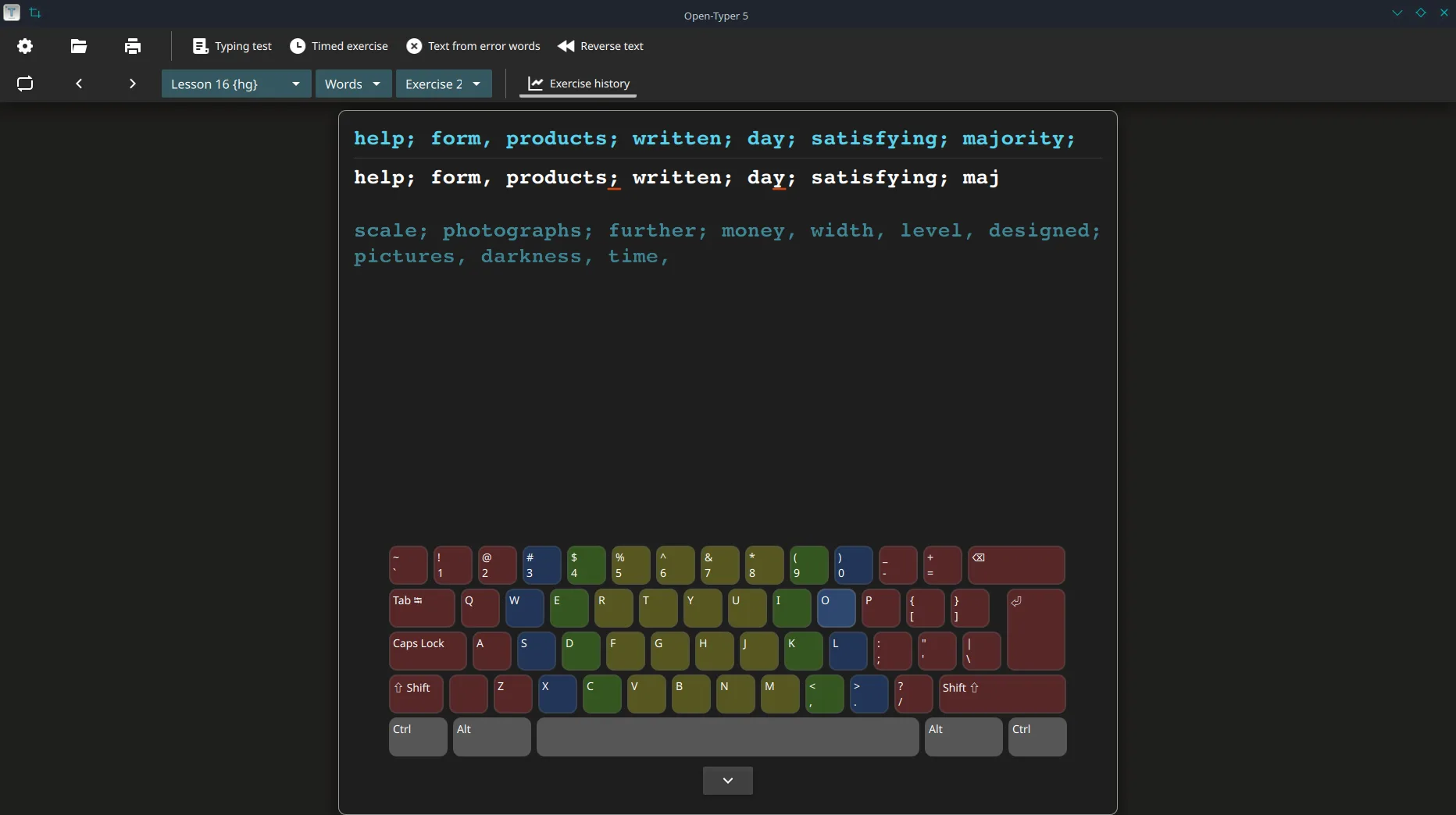
A safe typing test download starts on GitHub Releases for Open-Typer/Open-Typer, matches a filename you can write on a ticket, and refuses renamed portal setups.
Open Releases, confirm the tag, then take Open-Typer-installer.exe on Windows, Open-Typer.dmg on Apple silicon, or open-typer_*_jammy_amd64.deb on Debian-family Linux.
Why mirrors fail
Softonic-class pages often rename installers for search rankings. Those pages may bundle toolbars or outdated builds. Matching the GitHub filename is the simple check that keeps a typing test desk honest.
- Type the GitHub URL yourself
- Match the asset name character for character
- Skip “download now” portals that hide the filename
Windows SmartScreen
First runs of a new installer may show SmartScreen. Prefer the Releases URL you typed. Do not “fix” a blocked run by grabbing a second mirror. Guide: Windows install.
No winget door
No winget package id was found for Open-Typer on this review date. Inventing one would send desks to the wrong product. Keep the installer as the Windows door for this typing test path.
Linux and macOS checks
On Linux, prefer the .deb or AppImage from the same tag as the Windows installer. On macOS, prefer the aarch64 DMG listed on that tag. Commands remain UNVERIFIED on a real machine here; still refuse renamed mirrors.
After a clean download
Prove one local lesson, then document the update door. First hour: installed. Safety overview: is it safe.
Stroke Quill maps filenames for people who searched for a local typing test and need an GPL-3.0 Open-Typer path. Upstream remains at open-typer.github.io and Open-Typer/Open-Typer under GPL-3.0.
- Keep one installer door forever on each machine ticket.
- Prove one short local lesson after every reimage.
- Ask for the GitHub Releases URL instead of vague “best download” links.
Why filenames beat portals
People searching for typing test often land on advertising pages that wrap a browser game or a renamed installer. Those pages can change overnight, hide the real filename, and ship toolbars beside the setup you thought you chose.
- Prefer
Open-Typer-installer.exeon Windows from Open-Typer/Open-Typer Releases - Prefer the aarch64 DMG or amd64 deb on the same tag when those desks matter
- Refuse Softonic-style mirrors that hide the filename
No winget package id was found on this review date. Inventing one would send shared labs to the wrong typing test product.
Repeatable lab rhythm
Club machines, classroom images, and family PCs all benefit from the same boring checklist. Write the OS version beside the asset name. Prove one short typing test clear after every reimage.
- Match the GitHub filename character for character.
- Launch Open-Typer and prove a local lesson.
- Document the update door on the machine ticket.
Travel bags should separate browser bookmarks from desk installer files so a hurried restore never grabs the wrong binary. Shared tickets should say whether the room standard is deb or AppImage on Linux.
Closing discipline
Ask for the GitHub Releases URL whenever someone pastes a vague “best download” link into chat. Match characters in the filename. Prove a clear. Document the update door for this typing test.
Asset checklist before imaging
Before you image a lab for typing test, confirm the live Releases tag still lists the Windows primary installer together with the Linux and macOS builds you need. Prefer one tag for every desk in the room so support tickets stay short.
- Windows:
Open-Typer-installer.exe(EXE alternate on the same tag) - macOS Apple silicon:
Open-Typer.dmg - Linux:
open-typer_*_jammy_amd64.debor AppImage or rpm
Snap and AppImage help Linux desks, yet they do not replace the desk installer when you rebuild a shared typing test image.
Support ticket lines that work
Write three lines on the machine ticket: OS version, exact asset filename, and the date you proved a local lesson. That record beats another Softonic search when SmartScreen returns next month.
- Record the GitHub Releases URL you typed.
- Record the filename character for character.
- Record “cleared one board” with the date.
Family PCs and classroom images both benefit from that boring typing test paperwork. It keeps the next bump on the same honest door without inventing a winget id that was not found.