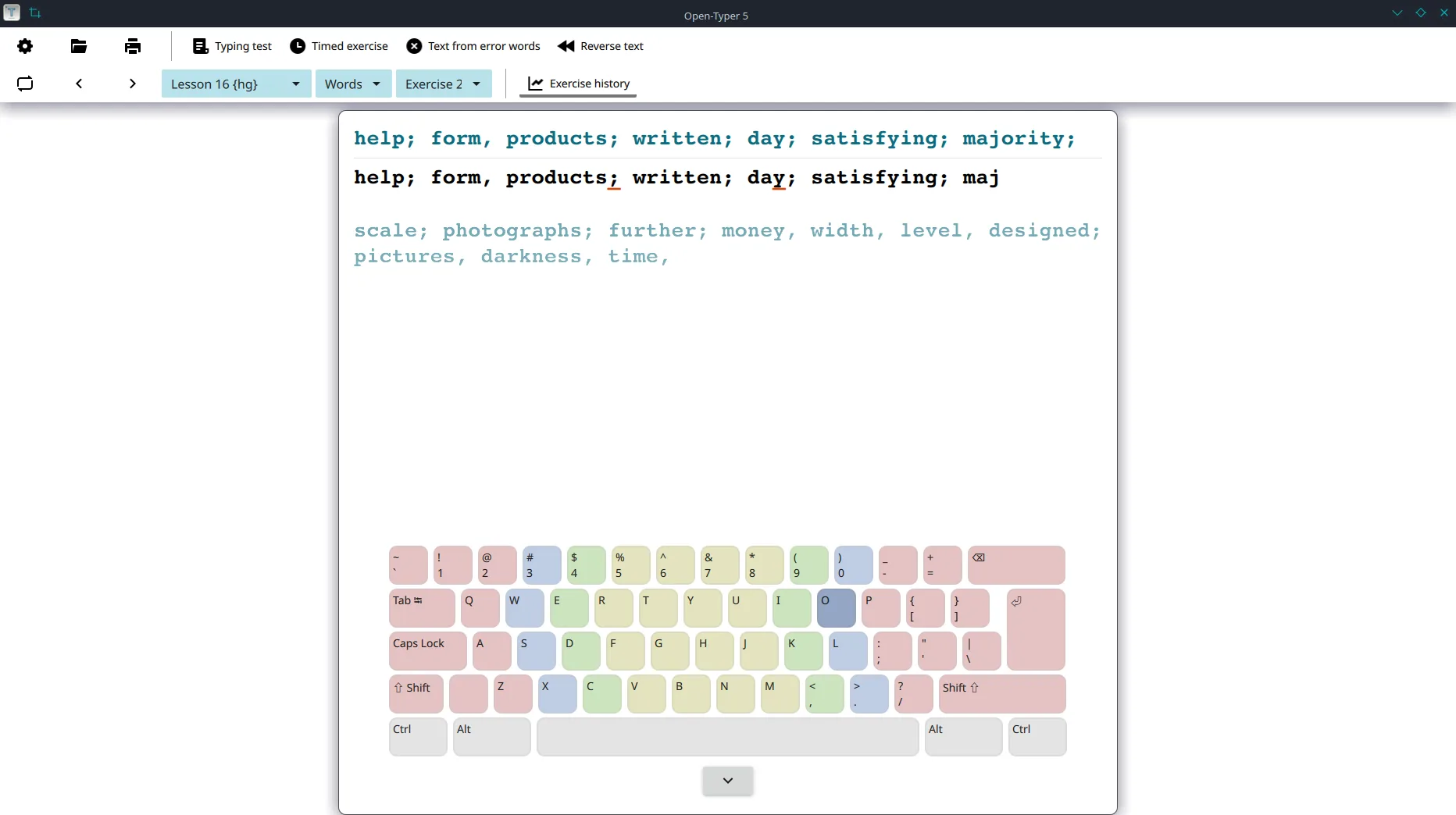
Why snap or AppImage
Linux desks that want a durable typing test binary can use sudo snap install open-typer when Snap is already trusted on the machine. The same Open-Typer/Open-Typer tag also ships Open-Typer-x86_64.AppImage plus aarch64 and armhf builds. Ubuntu debs for jammy, focal, and lunar appear on the same tag.
Snap steps
- Confirm Snap is available on your distribution.
- Run
sudo snap install open-typer(UNVERIFIED on a real machine here). - Launch Open-Typer from the desktop menu or
open-typer. - Open a pack lesson and prove one finished drill.
- Write snap as the update door on the machine ticket.
AppImage alternate
- Open Open-Typer releases and confirm the tag.
- Download
Open-Typer-x86_64.AppImage(or aarch64/armhf for your CPU). - Run
chmod +x Open-Typer-x86_64.AppImage && ./Open-Typer-x86_64.AppImage. - Prove one lesson, then bookmark the same filename for updates.
Debian .deb alternate
Prefer open-typer_*_jammy_amd64.deb (or focal/lunar) from the same tag when you want a package manager install without Snap. Guide: Linux .deb-oriented path.
What to refuse
Refuse Softonic-style mirrors that hide the filename. Refuse mixing snap and AppImage on one user account without notes. Refuse invented brew or winget ids that were not found for this typing test.
After install
Continue with the first hour checklist and the first run guide. Safety overview: is it safe.
Desk habits that keep installs honest
Write the update door on the machine ticket beside the OS version. Prefer GitHub Releases filenames for Open-Typer/Open-Typer whenever someone searches for a durable typing test binary. Softonic-style mirrors that only rename the setup remain the wrong door.
Shared labs should prove one local lesson after every reimage. Travel laptops should keep the AppImage or snap bookmark separate from browser typing test sites. Family PCs benefit from the same boring rhythm: one installer, one keyboard layout preference, one documented update path for a typing test.
When chat pastes a random “best download” link, ask for the Releases URL instead. Stroke Quill maps installs; upstream Open-Typer remains GPL-3.0 at Open-Typer/Open-Typer. Commands marked UNVERIFIED in research must not be described as if they were run on a real machine here.
Why filenames beat portals
People searching for a typing test often land on advertising pages that wrap a browser drill or a renamed installer. Those pages can change overnight, hide the real filename, and ship toolbars beside the setup you thought you chose.
- Prefer
Open-Typer-x86_64.AppImageorsudo snap install open-typeron Linux - Prefer
Open-Typer-installer.exeon Windows from the same project Releases - Refuse Softonic-style mirrors that hide the filename
Frequently asked questions
Is this typing test guide free to follow?
Yes. Stroke Quill publishes install steps without a paywall so anyone can follow the typing test path. Open-Typer itself ships under GPL-3.0. Portal advertising and store billing stay your responsibility and stay separate from the program licence.
Where should I download the typing test setup?
Prefer GitHub Releases for Open-Typer/Open-Typer when you want named typing test assets. Take Open-Typer-installer.exe on Windows, Open-Typer.dmg on macOS, or Open-Typer-x86_64.AppImage on Linux. Snap open-typer is an official store door documented upstream.
Does the typing test client work offline after install?
After the first download, Open-Typer can run lessons offline with local packs. You still need network for the first AppImage, snap, or .deb fetch. A desk install does not require a website account before the first lesson.
Should I use snap or AppImage for this typing test?
Snap open-typer matches the version on the Snap Store channel. AppImage matches the GitHub Releases tag beside the Windows installer. Pick one door, write it on the machine ticket, and avoid mixing both without notes.